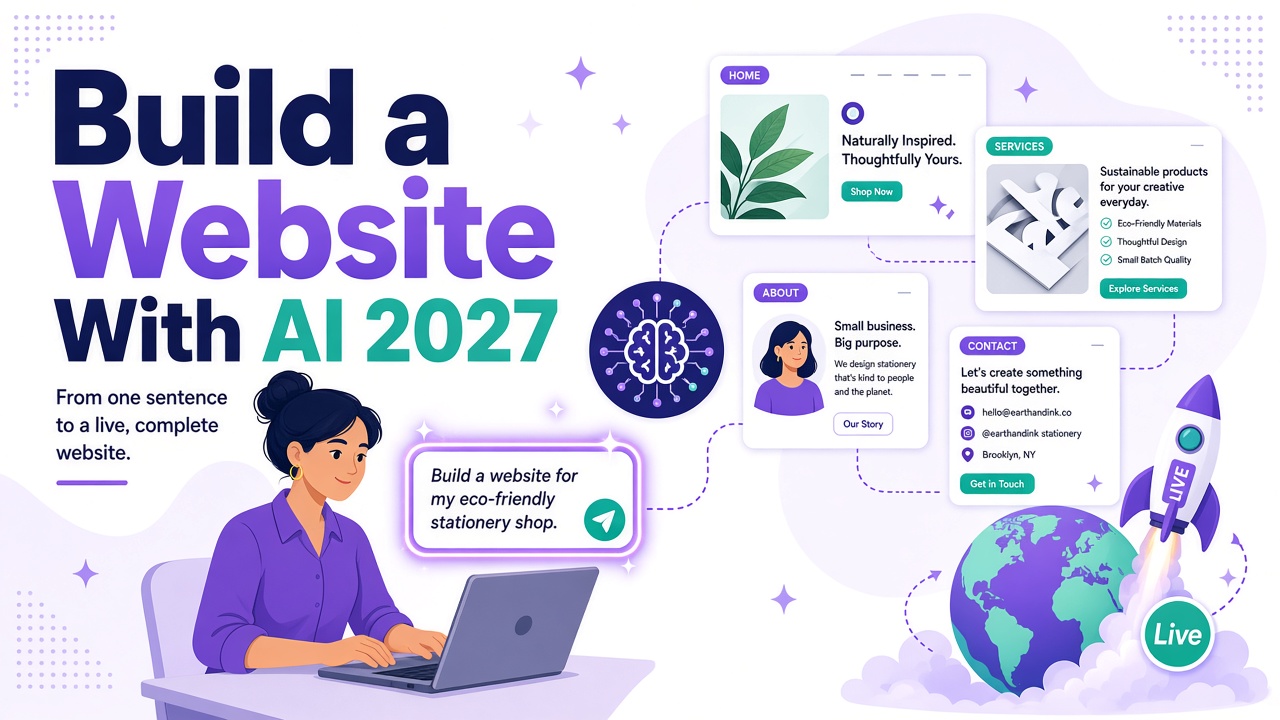
Picture a local plumber who's put off getting a website for years. Every quote looks expensive, and every designer wants a "discovery call" he doesn't have time for.
Today he can build one in an evening. With AI.
Here's the thing: in 2027 you don't need a designer, a copywriter and a developer to get a professional business website online. You need a clear idea of your business, an AI website builder, and about an hour to review what it makes.
In this guide I'll walk you through how I build a website with AI using Webira, our AI website generator at Teknikforce. We'll go from a one-line prompt to a live site: pages, SEO basics, domain and launch.
If you're still comparing tools, read our roundup of the best no-code website builders for beginners or the top automated website builders with SEO features. This post is the hands-on part.
What does "build a website with AI" actually mean?
A traditional website builder gives you templates. You still write every word, choose every image and arrange every section.
An AI website builder does the first draft for you. You describe the business, and the AI plans the pages, writes the copy, creates the graphics and lays it all out. Your job changes from making the site to reviewing and directing it.
That's a big difference when you're a small-business owner with a business to run.
Step 1: Write your one-line prompt (well, maybe three lines)
This is the step that matters most. The AI can only work with what you give it.
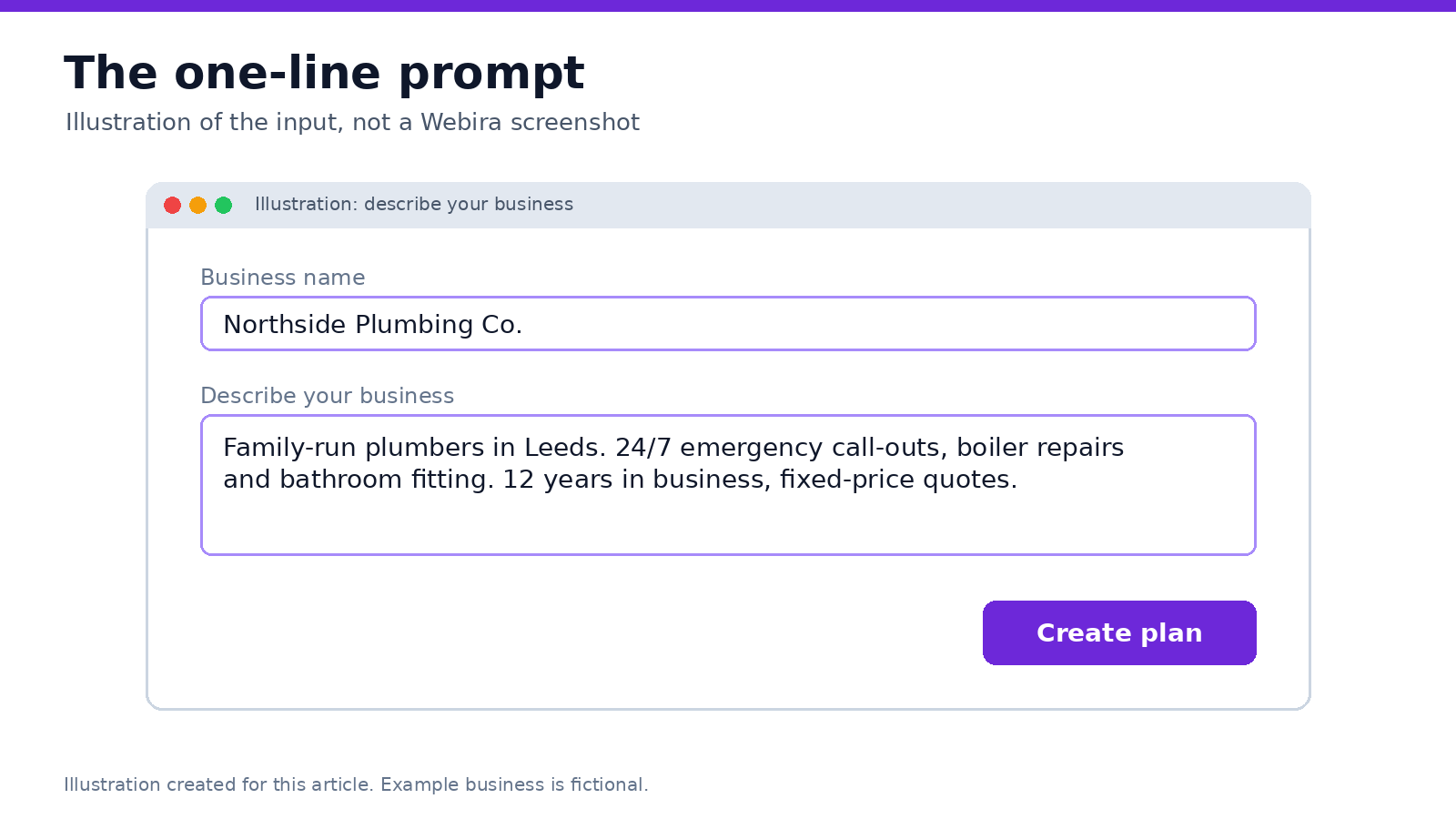
Webira's sales page says it needs just "a couple of business details" to get started. You can get away with one line. But I've found that three short sentences give much better results:
- Who you are and where: "Family-run plumbers in Leeds."
- What you sell: "24/7 emergency call-outs, boiler repairs and bathroom fitting."
- Why people should choose you: "12 years in business, fixed-price quotes."
Tip: if you have a logo, add it. Webira's sales page says it builds the theme around your business and your logo if you provide one. No logo yet? Webira includes a logo designer.
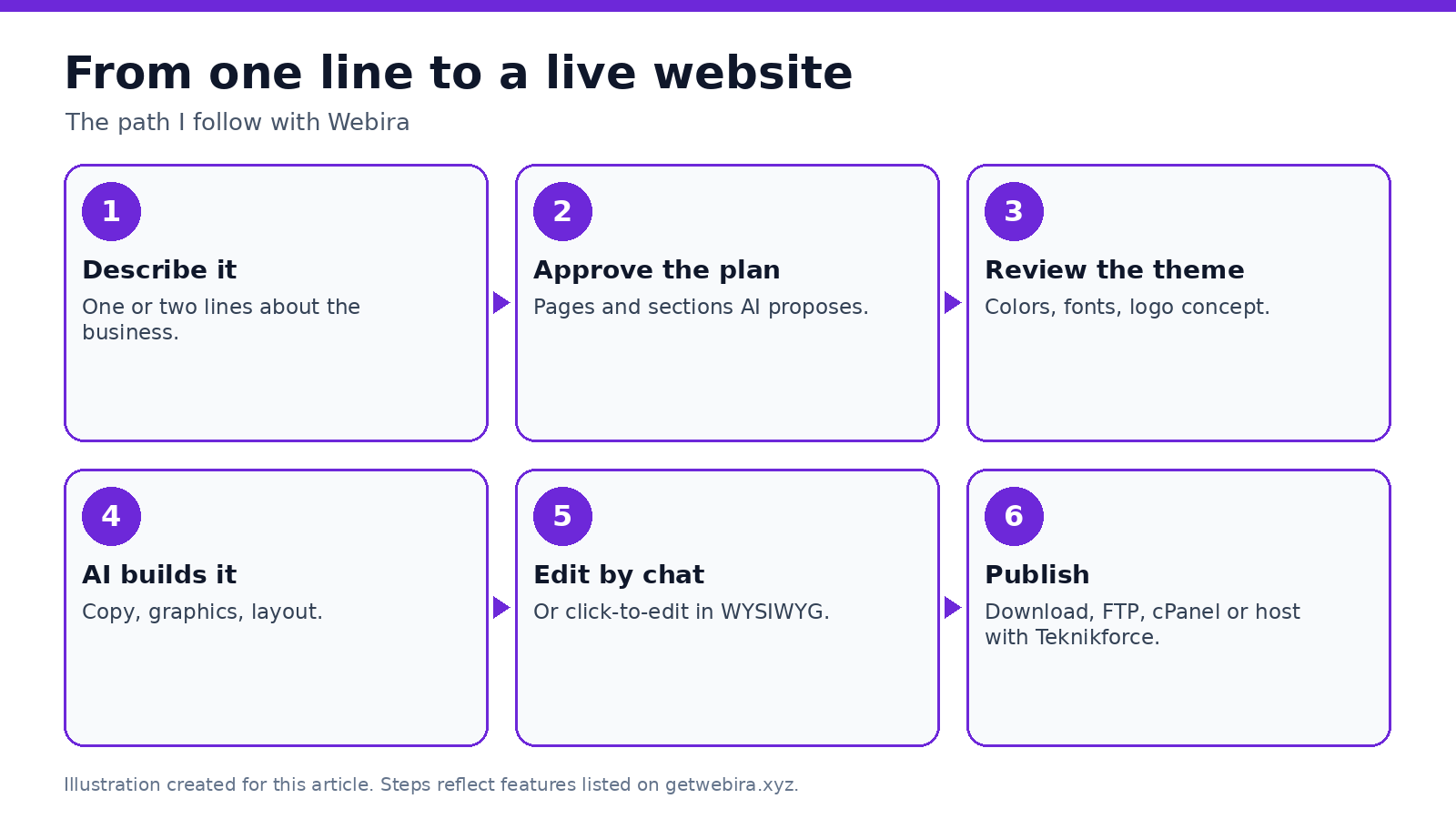
Step 2: Approve the site plan
Before Webira builds anything, it analyzes your business and creates a website plan. This is your chance to fix the structure.
For most small businesses, 5-8 pages is plenty to launch:
- Home
- Services (ideally one page per main service)
- About
- Reviews or testimonials
- Service area (for local businesses)
- Contact
- FAQ
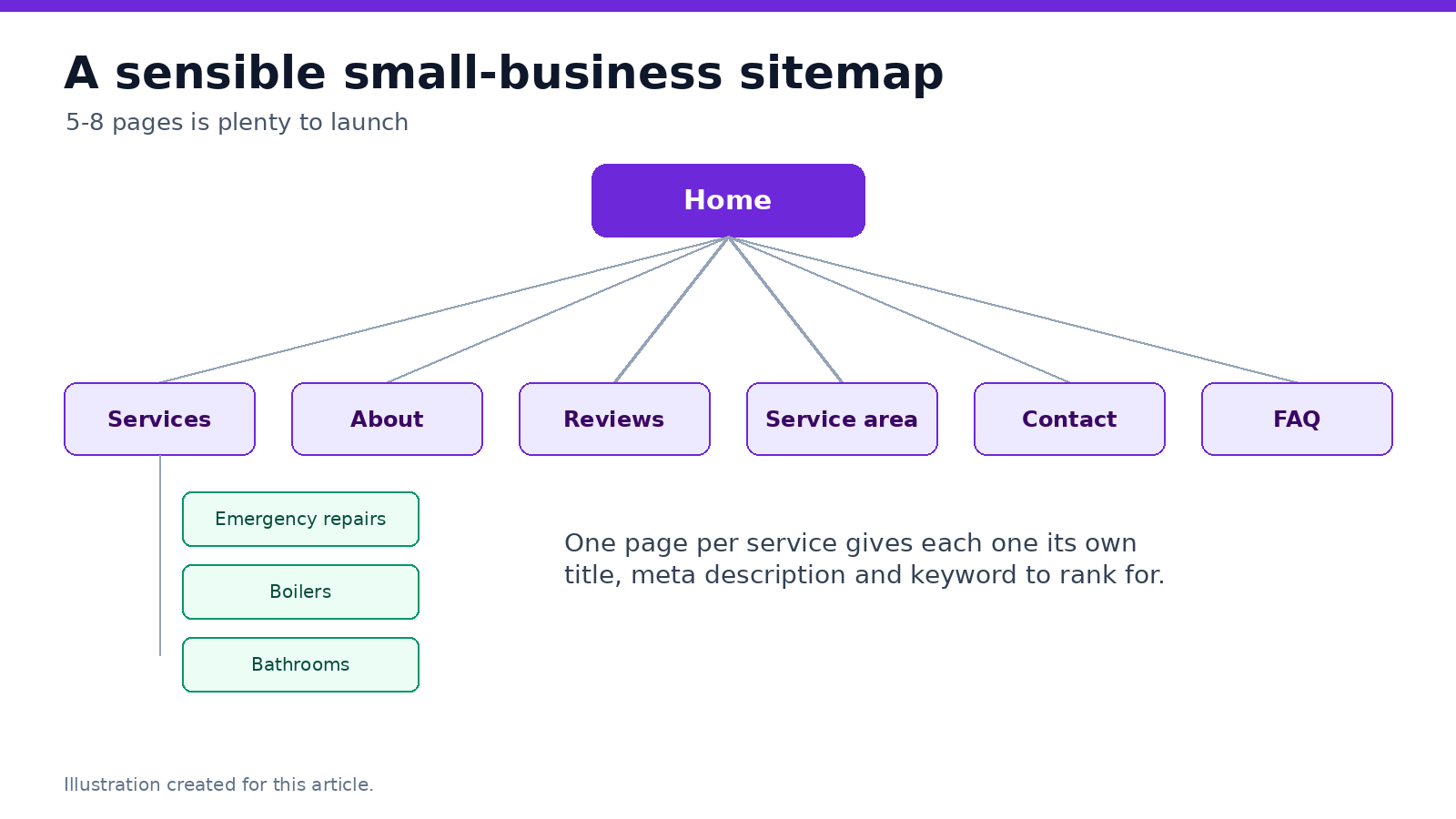
Why separate service pages? Each one gets its own title, description and keyword. "Emergency plumber Leeds" and "bathroom fitting Leeds" are different searches. One page can't rank well for both.
Webira can build sites from 5 to 50 pages or more, and the Elite plan covers websites up to 25 pages, so you have room to grow.
Step 3: Review the theme
Next, Webira suggests a design theme: colors, fonts and overall style. You can accept it or ask for changes.
My rule: pick readability over personality. Dark text on a light background. Big, clear buttons. A color that matches your logo or van.
You can also generate several concepts for the same business and pick the one you like best.
Step 4: Let the AI build the site
Now Webira does the heavy lifting. According to its sales page, it:
- Writes the copy for every page.
- Creates graphics, photos, icons and other media.
- Builds a responsive layout that works on phones, tablets and computers.
- Handles SEO-friendly content and on-page optimization.
It also has ready-made components for things like maps, and built-in lead capture: contact and lead forms that send enquiries straight to your email.
Go make a coffee. Seriously. That's how Webira pitches it, and it's about right.
Step 5: Edit by chatting (or clicking)
Here's where AI builders have really changed in the last couple of years. You don't have to hunt through settings to change a headline.
In Webira, you tell it what to change in plain English, like you'd tell a designer:
- "Make the headline mention 24/7 emergency repairs."
- "Add a section about our 12-month guarantee."
- "Use a warmer photo on the About page."
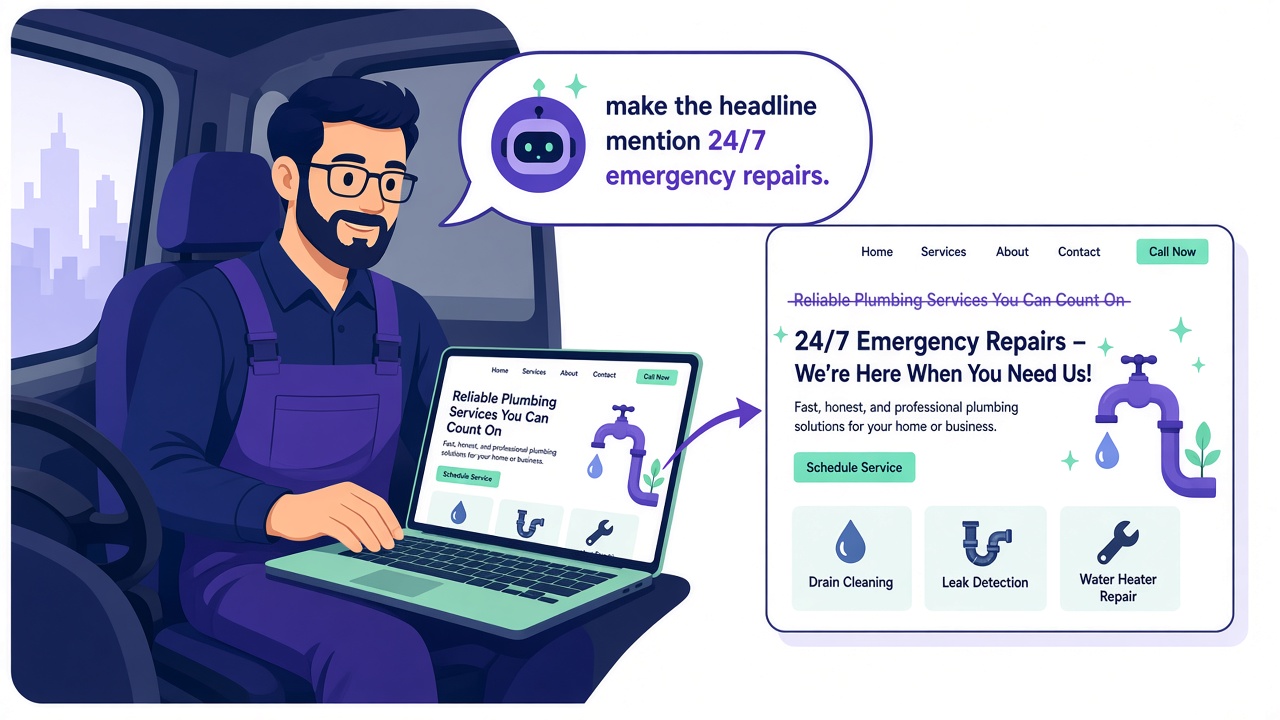
If you prefer to click, there's a WYSIWYG editor too. Click anything and change colors, fonts, images or text directly.
Don't skip the human review. AI is fast, but it doesn't know your prices, your opening hours, or that you stopped offering gas fitting last year. Read every page once. Check every phone number, address and claim.
Step 6: Get the SEO basics right
A beautiful website nobody finds is just an expensive business card.
Webira creates SEO-friendly pages, but you should still check the basics yourself before launch:
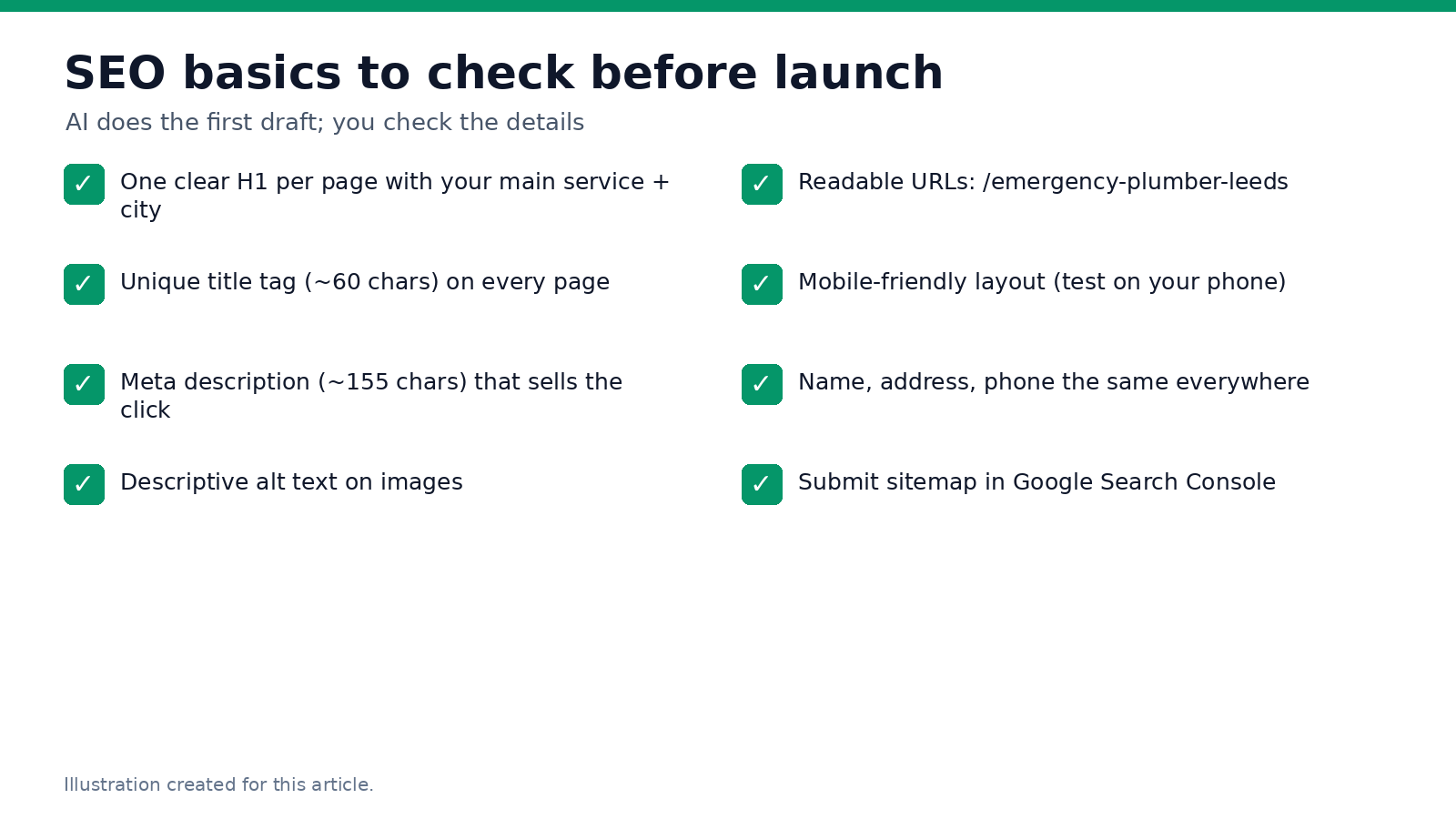
- One clear H1 per page with your main service and location.
- A unique title tag of about 60 characters on every page.
- A meta description of about 155 characters that makes people want to click.
- Descriptive alt text on images.
- Readable URLs, like /emergency-plumber-leeds.
- Your name, address and phone number written the same way on your site, Google Business Profile and directories.
Building for more than one market? Webira can create content in any language you pick.
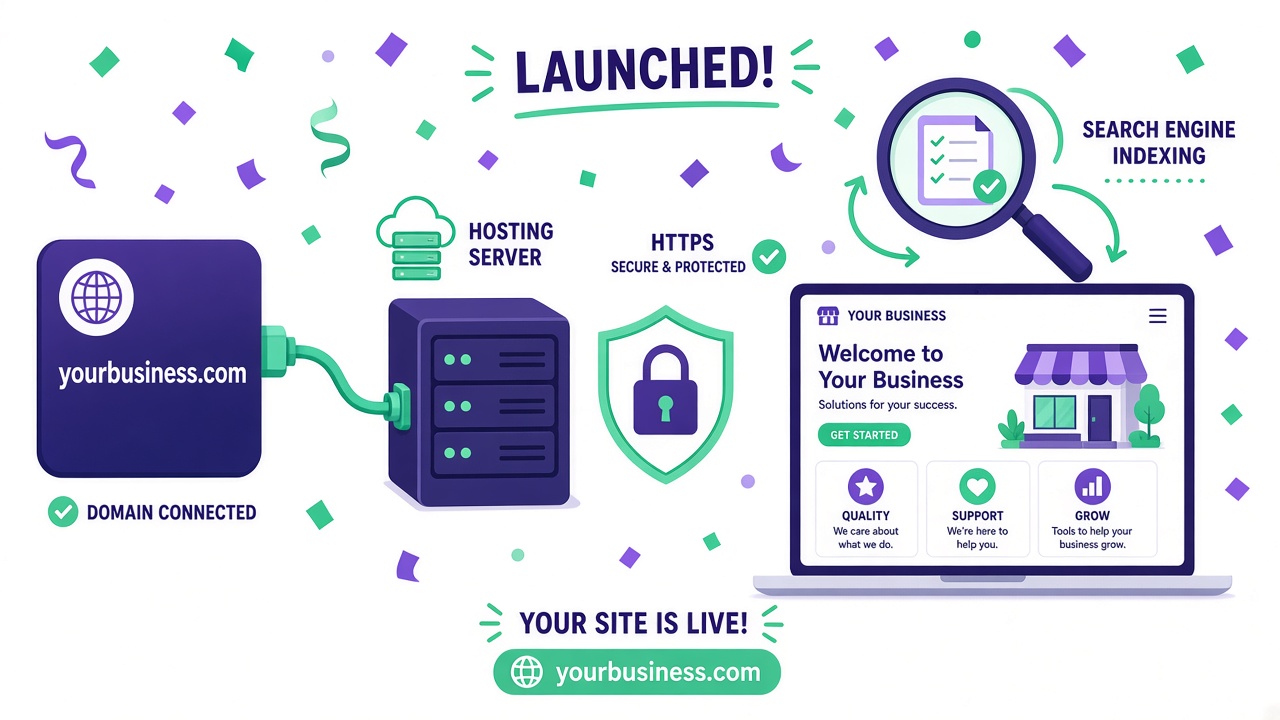
Step 7: Connect your domain and publish
Now for the part that used to scare people off.
First, you need a domain name: your web address, like northsideplumbing.co.uk. Buy one from any domain registrar. Keep it short, easy to spell, and ideally include your business name.
Then choose where to host the site. Webira gives you several options, according to its sales page:
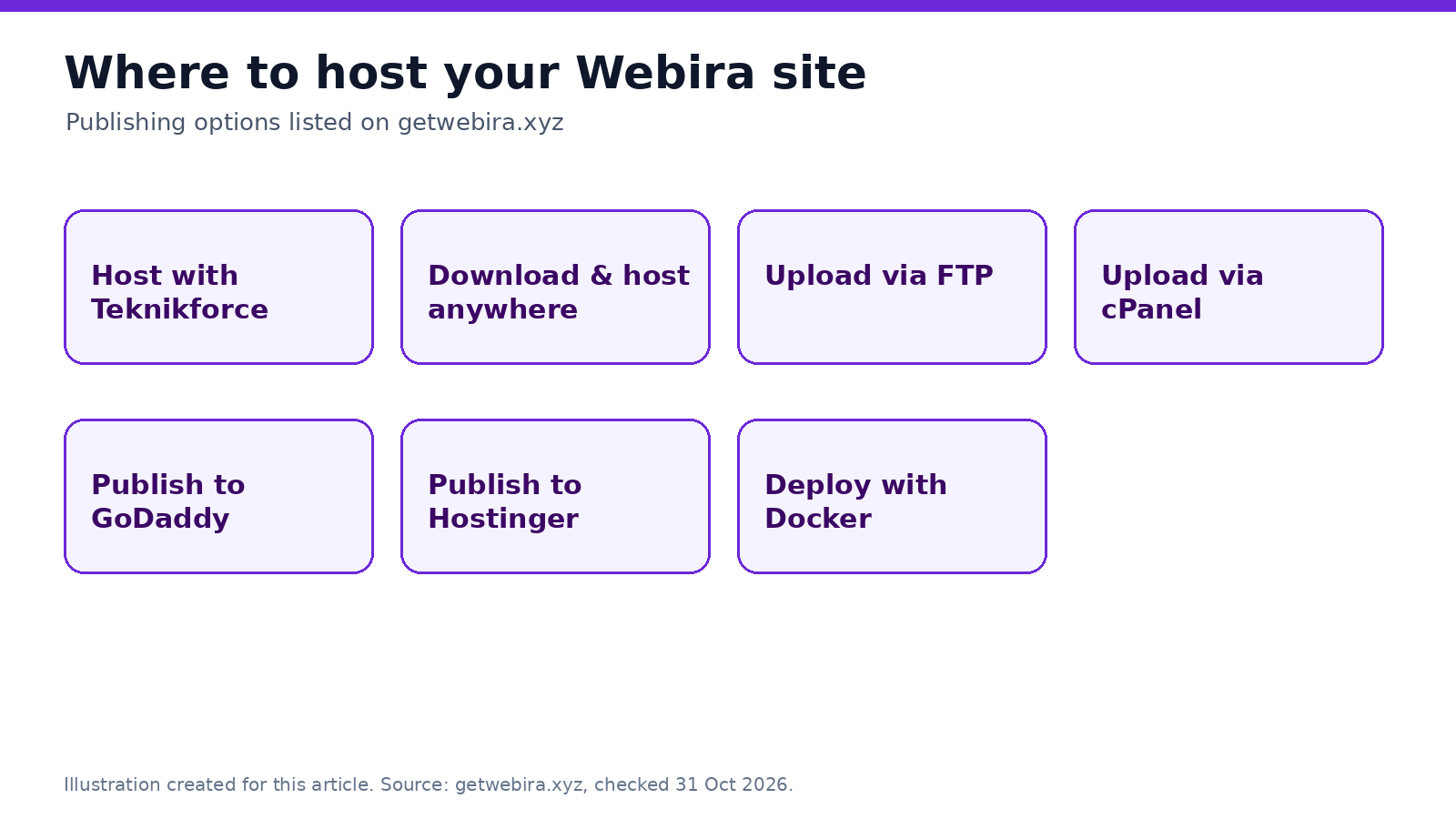
- Host with Teknikforce if you want it taken care of.
- Publish to GoDaddy or Hostinger if you already use them.
- Upload via FTP or cPanel to any other host.
- Download the site and host it anywhere, or deploy with Docker.
Once the site is live, point your domain to your host (your host's help pages will show you the exact DNS records), and make sure HTTPS is on. You want that padlock in the browser bar.
Step 8: Launch-day checklist
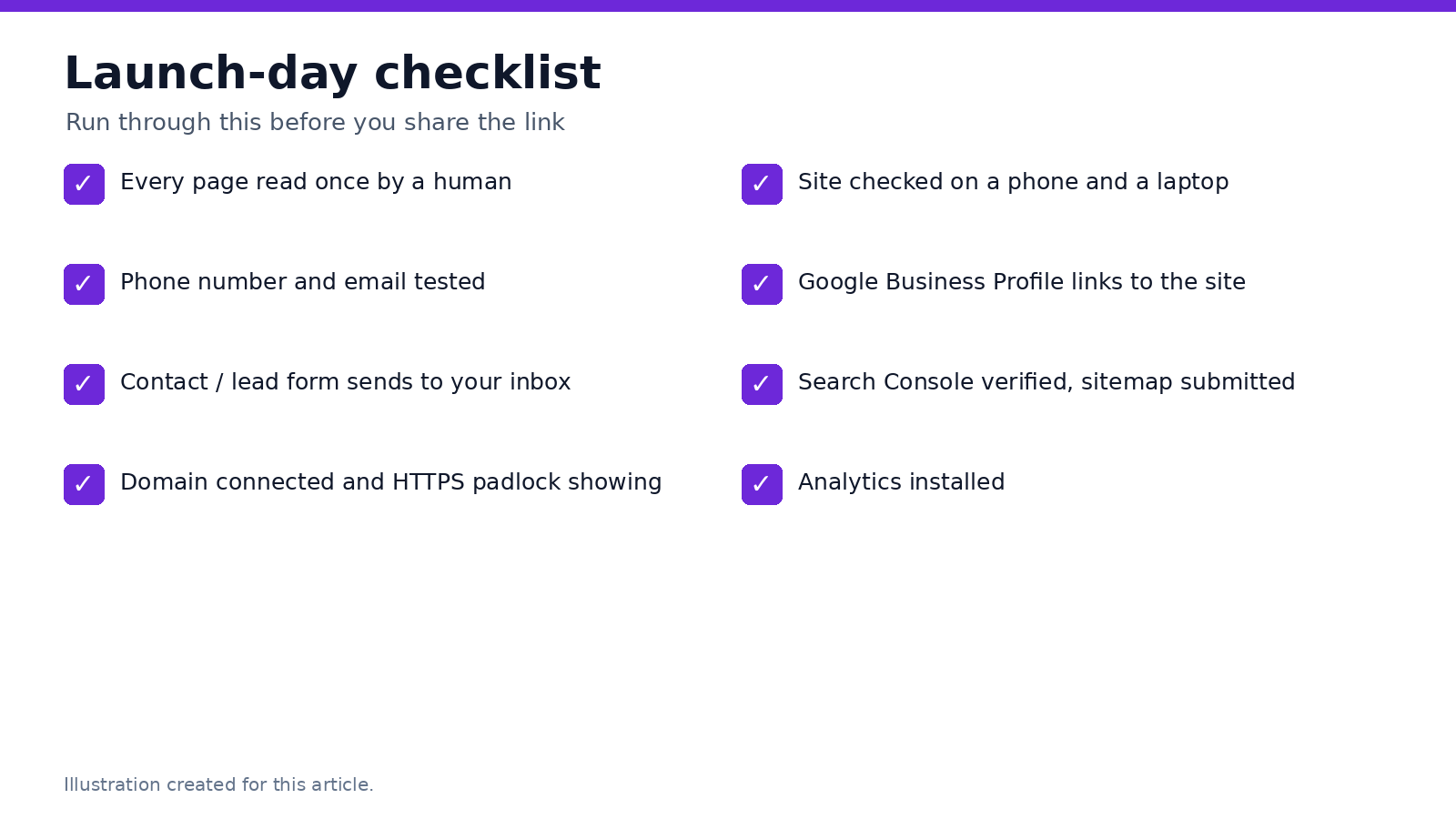
Here's the checklist I run before I share a new site with anyone.
| Task | Why it matters | Done? |
|---|---|---|
| Read every page once yourself | AI drafts can contain wrong details | ☐ |
| Test phone number and email links | A broken contact link costs leads | ☐ |
| Send a test enquiry through the contact form | Make sure leads reach your inbox | ☐ |
| Check the domain and HTTPS padlock | Browsers warn visitors on insecure sites | ☐ |
| View the site on a phone and a laptop | Most visitors will be on mobile | ☐ |
| Link your Google Business Profile to the site | Helps local customers find you | ☐ |
| Verify the site in Google Search Console and submit a sitemap | Helps Google find and index your pages | ☐ |
| Install analytics | So you know what's working | ☐ |
AI builder vs the old ways: a quick comparison
| Webira (AI builder) | Template builder (DIY) | Hiring an agency | |
|---|---|---|---|
| Who writes the copy | AI writes it, you review | You | Agency copywriter |
| Who makes the graphics | AI creates them | You find or buy them | Agency designer |
| Time to a first draft | Minutes | Days | Weeks |
| Changes | Ask in plain English, or click-to-edit | Do it yourself | Request and wait |
| Hosting | Teknikforce, your own host, FTP, cPanel, Docker | Usually locked to the builder | Varies |
| Cost | From $47/month or $197/year | Monthly plan | Usually a project fee plus upkeep |
How Webira helps you build a website with AI
I'll be upfront: Webira is our product. Here's what you get, according to the Webira sales page:
- Fully automated site creation: planning, theme, copywriting, graphics and layout.
- Chat-based edits plus a WYSIWYG editor.
- Multi-AI: access to several coding and graphics AIs.
- Any niche, any language.
- SEO-friendly, responsive pages.
- Logo designer, advanced components and built-in lead capture.
- Host anywhere, or host with Teknikforce.
Pricing: the Elite plan is $47/month or $197/year. It includes 20,000 welcome credits, up to 5 websites a day, websites up to 25 pages, 3 coding AIs and 2 graphics AIs, and a single-user license for your own business. Every plan comes with a 30-day money-back guarantee and 24/6 chat support.
Planning to build sites for clients? Webira's FAQ says to contact its support team to confirm the commercial license you need.
Final thoughts
Building a website with AI in 2027 isn't about pressing one button and walking away. It's about letting AI do the slow parts (the blank page, the layout, the graphics) so you can spend your time on what only you know: your prices, your service area, and why customers should pick you.
Write a good prompt. Approve a sensible plan. Review everything. Then launch.
Frequently asked questions
Can I really build a website with AI from a one-line prompt?
Yes. Webira can start from a couple of business details. A slightly longer description (who, what, why you) gives you a much better first draft.
Is a website built with AI good for SEO?
It can be. Webira creates SEO-friendly, responsive pages. You should still check titles, meta descriptions, headings and local details yourself, and set up Google Search Console after launch.
Do I need to know coding to build a website with AI?
No. With Webira you describe what you want and edit by chatting or clicking. No HTML or CSS needed.
Can I use my own domain name?
Yes. Buy a domain from any registrar and connect it to wherever you host the site. Webira lets you host with Teknikforce or publish to your own hosting via GoDaddy, Hostinger, FTP, cPanel or Docker.
How long does it take to build a website with AI?
Webira builds the first draft in minutes. Allow an hour or two to review the copy, check details and connect your domain.
Can I build websites for clients with Webira?
Webira's sales page lists the Elite plan as a self-business-use license. For client work, contact Teknikforce support to confirm the commercial license you need.
Does Webira work on a Mac?
Yes. Webira is a web app (SaaS), so it runs in your browser on any device, including Macs.
Build your business website today
Go from a one-line idea to a live, professional website, with AI writing the copy and making the graphics. 30-day money-back guarantee.